
This article describes how to create an AWS S3 bucket with a user that has access to only the specified bucket and no others.
1. Create an S3 bucket via 'Create Bucket' as usual and give it a name. You can keep default settings.
2. Go to the IAM dashboard: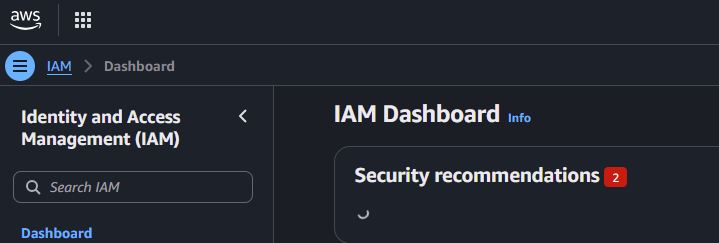
3. Goto 'IAM Users' and create a user with a name in the format:
mrs3_{bucketName} or ace_{bucketName}
4. Click 'Next' and in the 'Set Permissions' section check either the MRS_S3_Users or ACE_S3_Users group to add the user to the appropriate group.
5. Click 'Next' and then in the 'Tags' section, add a new tag with the key set to 'S3Bucket' (case sensitive) and the value being the bucket name. This is what links the user to the bucket and only allows access to the bucket specified in the tag.
6. Once the user has been created, from the 'IAM Users' list, select them and and go to the 'Security Credentials' tab
and in the 'Access Keys' section Create a new access key. The name doesn't matter, but I normally go for the format: {username}_access.
When you've generated a new access key, you'll get a public and private key pair.
Enter the account details including these access keys in Keeper in the MRS S3 Users/Keys section or the equivalent folder in ACE.